
LMI Cameras
Tools to Streamline your day to day assembly tasks in Octane Standalone. Build libraries, transfer data. Efficiently.

Current version 1.1.0
Description
The only core tools you need to enable efficient assembly workflow with Octane Standalone. These tools remove friction and enable efficiency. Operating in preferable and optimised formats.
Features

LMI Camera
LMI Camera started as a simple idea: make camerawork in Houdini feel effortless. Organic handheld motion when you want it, stable baked keys when you need it, and exports that don’t require a ritual of menus and clicks.

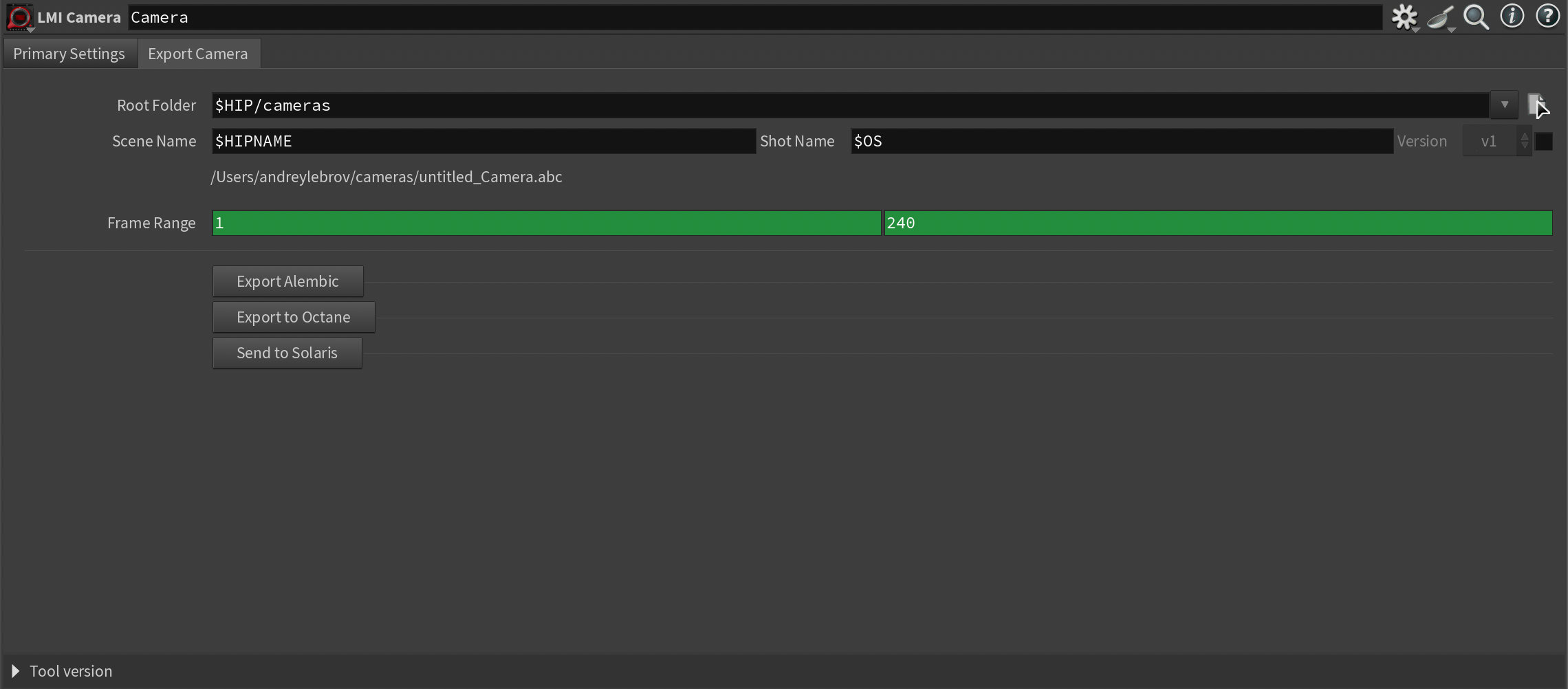
Over time it became a true pipeline tool: single-click Alembic camera export for Nuke and downstream matchmove, a seamless bridge into Solaris/LOPs, and an Octane workflow that actually holds up in production.
The latest update is the big one.
Previously, getting a camera into Octane Standalone was either painful or fragile: relying on Octane plugin for Houdini that kept breaking the tool with each update, exporting ORBX, then doing a ridiculous number of steps just to extract and use the camera in Standalone. That’s not a pipeline - that’s friction.
Now LMI Camera is plugin-independent. It bakes an Octane camera directly via a C++ backend into a single drag-and-drop file (think “Pointbaker, but for cameras”). Drop it into Standalone and you get a perfect mimic of your animated Houdini camera: position, target/up vectors, lens parameters, focus, clipping - the full package.

Seamlessly from Houdini to Octane
And the killer feature: the camera stays referenceable. Re-export the file, and the camera updates in Standalone. ORBX can’t do that. This turns camera export from a one-off bake into an actual iterative, assembly-friendly workflow.

LMI GLOMAP Solver (Windows only)
Structure-from-Motion is one of those steps that can eat hours and still give you a solve you don’t trust. While building our flight automation tool, I tested a lot of reconstructors and hit the same wall: too slow, too inconsistent, too disconnected from Houdini. So I went deep, did the research, and compiled my own CUDA-enabled GLOMAP stack, then wrapped it into a Houdini-native workflow.
LMI GLOMAP Solver turns a single video or image sequence into a precise camera solve and sparse reconstruction data you can use immediately for layout, matchmove, environment work, or for Gaussian Splats training. It’s built for speed and repeatability: run solves from Houdini, keep outputs organized per shot, review quickly (with Colmap Loader), iterate, and move on.

LMI COLMAP Loader
COLMAP Loader is the natural extension of our LMI GLOMAP Solver: once you have a reconstruction, you shouldn’t be stuck in file-conversion hell just to use it. This tool brings COLMAP reconstructions directly into Houdini as clean, production-ready scene elements - cameras you can trust, and a point cloud you can actually work with.
And it doesn’t stop at SfM. You can convert reconstructions into continuous camera motion (Requires LMI Camera), making it valuable not just for reconstruction, but for practical tracking workflows too. For production, that’s a big deal: shoot a take, extract a usable camera in a couple clicks, and you’re back in Houdini.
It reads standard COLMAP project structures (including common sparse layouts) and builds a Houdini-ready setup in one go: solved cameras, a colored reconstruction point cloud, and optional timeline-friendly camera rigs for review and shot integration. No manual rebuilds, no Blender detours, no fragile hacks. Just a reliable bridge from reconstruction data into your Houdini pipeline.
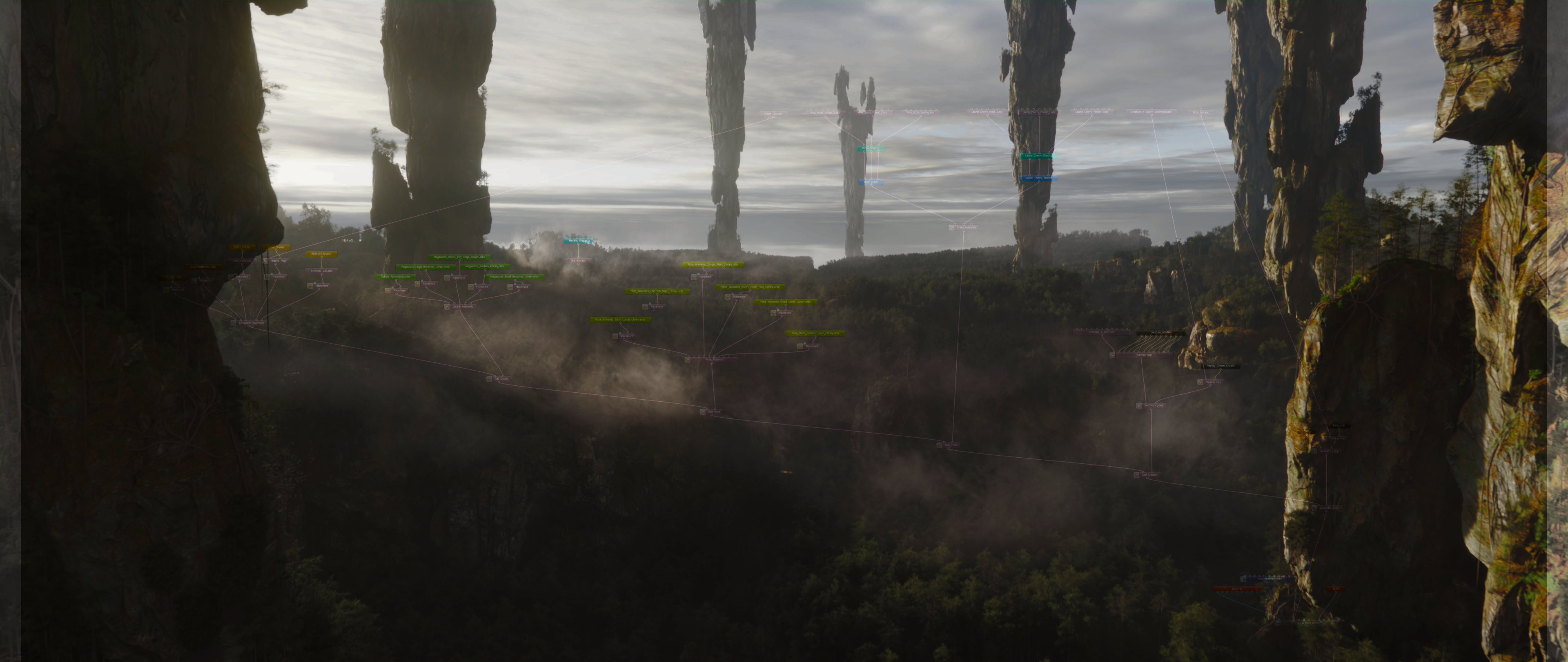
Simple SfM reconstruction done by GLOMAP Solver, represented through regular Houdini Camera motion (requires LMI Camera)
Licensing
Tools are provided under a worldwide, non-exclusive license for use in any production context. You may install and use the toolset for any lawful purpose, including commercial work, client deliveries, internal studio pipelines, and distributed production environments.
All software is provided “as is”, without warranty of any kind, to the maximum extent permitted by applicable law.
Digital purchases are final and non-refundable, except where a refund is required by applicable consumer protection law.