
Scene Files
The project skeleton that never breaks
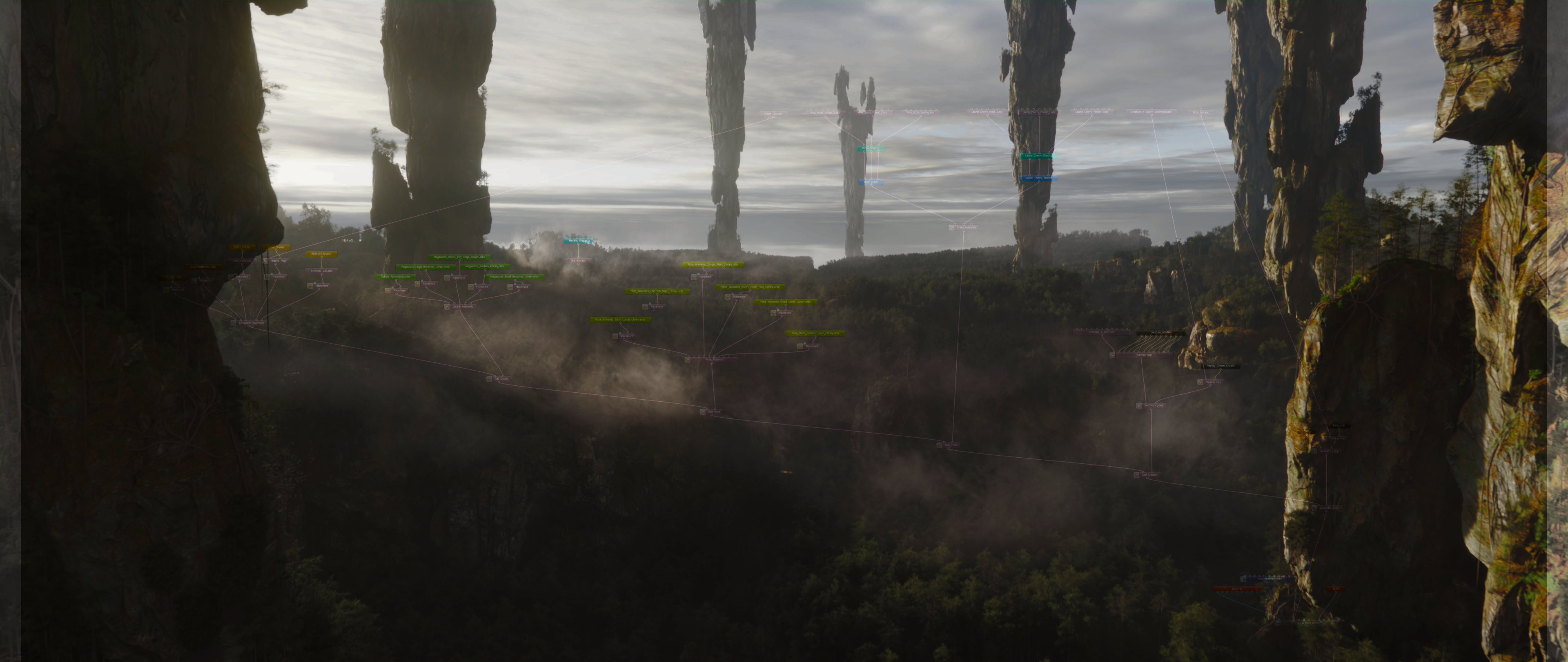

A project file you can trust
At some point in your career, a project file has betrayed you. You know what I mean. You open it and something is missing. The shaders reference textures that have moved. The scene loads halfway and then crashes. Or worse, it opens, looks fine, and only misbehaves at 3am the night before delivery. You've learned not to fully trust your project files, and you've probably built habits around that distrust: compulsive incremental saves, manual backups, and a low-level anxiety that lives somewhere behind every Ctrl+S.
The assembly pipeline doesn't just give you a better workflow. It gives you a fundamentally more honest relationship with your project files. This chapter is about why that is, and how to make the most of it.
First, what about USD?
This is usually the first question people ask when they hear about this pipeline and libraries, so I’ll put it up front on purpose.
USD and MaterialX are fully supported. Octane isn’t a replacement for them, and it’s not trying to compete with them. The Octane Assembly Pipeline is an extension of its own. Octane Standalone can import USD scenes (it even exposes USD import preferences), and Octane now supports MaterialX natively.
Octane’s native scene formats are OCS and ORBX:
- OCS stores the scene setup and references external assets via paths (so it stays lightweight, same as USD).
- ORBX is the packager/container format when you want to move a scene around with its required data.
So yes, if you already have USD libraries, you can plug them into Standalone and keep moving. And staying USD-first keeps the door open to other Hydra delegate environments like Solaris or Katana when that makes sense. But if you want to fully lean into the “GPU Assembly” mindset - speed, iteration, massive point-driven layouts without host dcc overhead, then final assembly in Standalone is where you want to be (for all the reasons outlined in The Assembly Philosophy).
You already know the formats.
Let's go deeper.
If you've read "The Reusable Arsenal," you know the difference between OCS and ORBX at a surface level. OCS is a scene description, paths, not data. ORBX is a packed container: everything inside, self-sufficient. Both have their place.
But there's more to understand about each one, especially when you're working in a team, scaling across shots, or handing off to a render farm. The format you choose isn't just a preference. It determines how your whole project behaves under pressure.
OCS: The Scene that knows what it is
An OCS file is, at its core, a text document. Open it in any text editor and you'll see it: a structured list of references, relationships, and settings. Every asset your scene depends on is named there, with an absolute path to where it lives. The file itself holds almost nothing, no geometry, no textures, no baked data. Just descriptions. Just instructions.
This has several consequences, and they're all good.
It saves instantly. There's nothing to serialise. No gigabytes of scene data being written and re-written to disk every time you hit save. The OCS just updates its description and it's done. This sounds minor until you've spent years in a DCC where saving a complex scene takes twenty seconds, and you've quietly learned to save less often as a result. With OCS, you save constantly, reflexively, without thinking twice. That habit change alone reduces risk.
It loads fast. On open, Standalone reads the description and fetches what it needs from wherever the assets live. Nothing is being unpacked. Nothing is being decoded. The project is as fast to open as it is to save.
It scales without growing. Add a hundred more assets to your scene. The OCS file doesn't care. It's still the same few kilobytes of description. The assets themselves are stored where they always were: on your drive, on your server, wherever your libraries live. The scene file is just the map. The territory lives elsewhere.
And it can be fixed. This is the one that matters most.
Every pipeline will eventually produce a corrupted file. Weird crash at the wrong moment. Power cut mid-save. Some undocumented edge case that causes Standalone to write something broken. It happens. In a binary format; ORBX, a MAX file, a C4D project, corruption is often unrecoverable. The data is inside the file, and if the file is broken, the data is gone. You revert. You lose work.
In an OCS, the "data" isn't in the file. The file just points to it. So when something breaks, you open the OCS in a text editor, find the line that's wrong, and fix it. I've done this on production files. It's not elegant. But it works. The project is effectively indestructible, because the worst that can happen to it is a bad description, and descriptions can be corrected by hand.
Clarisse iFX worked this way. If you've used it, you'll recognise the feeling immediately. For everyone else: you're about to discover what it's like to genuinely trust your project files.
OCS in a team
Individual workflow aside, OCS becomes even more compelling the moment more than one person is working on a project.
In a traditional DCC pipeline, project files are owned by whoever is working on them. Assets get copied around. Textures live in multiple places. Shaders get duplicated between files. You end up with a sprawling tangle of data that's hard to track, difficult to version, and easy to accidentally break when someone renames a folder.
The OCS model doesn't work that way. Assets live in one place: your server, your shared repository, and OCS files point to them. Everyone on the team references the same assets. If a library is updated, anyone whose OCS references it gets the update the next time they open their scene. There's no copying, no syncing, no wondering whether you're working with the right version of a file.
For pipeline TDs, this is immediately legible. It's a reference-based architecture, the same underlying logic as USD, and it gives you the same benefits: a single source of truth for every asset, with scene files acting as lightweight descriptions on top of it.
You can keep those scene files in version control. OCS is plain text, it diffs cleanly, it merges cleanly, and a commit history of your lighting changes or scene structure is genuinely useful rather than a binary blob you can't read. If that's not part of your studio's workflow yet, it's worth considering.
ORBX: When self-sufficiency is the key
Everything above is an argument for OCS as your primary working format. But ORBX has a specific and important role, and it's worth being clear about when that role applies.
ORBX is a packed container. Everything the scene needs, geometry, textures, shaders, the lot - is bundled inside a single file. Open it anywhere, on any machine, with no server access, no shared drive, no dependencies to resolve. It just works.
That's exactly what you want in three situations.
Sharing a complete asset with someone outside your pipeline. A client wants a final look-developed hero asset. A collaborator needs a self-contained version of something you built. A freelancer is working off-site with no access to your server. ORBX is the answer. You pack it, you send it, they open it, it works. No path issues, no missing textures, no "it works on my machine."
Archiving a finished project. When a job is done and you want to put it somewhere it will open correctly years from now, regardless of what's happened to your file structure since then, ORBX is the safer choice. The OCS file from that project, pointing to paths that may no longer exist, isn't useful. The ORBX, carrying everything with it, is.
Preparing a scene for a render farm that requires packaged submissions. Not all render infrastructure supports OCS natively. If you're working with a farm that needs a fully self-contained file, you pack to ORBX and submit that. This is where ORBX earns its place, but it's worth knowing there's a better option when the infrastructure supports it.
We'll come back to that in "Decentralised Power".
What you shouldn't do with ORBX
The temptation, especially early in the pipeline, is to use ORBX as your working format. It feels familiar, one file, everything inside, no external dependencies to worry about.
Resist that instinct.
Working in ORBX means every save operation is writing the full scene to disk. Every time. The file is heavy because it contains everything. Saving takes time. And because saving takes time, you save less often. Which means more risk.
More than that: ORBX baked directly from a DCC will bloat. The automatic export path doesn't know to share shaders, deduplicate geometry, or pack efficiently. It just includes everything, in full, regardless of redundancy. A scene that should be a few hundred megabytes ends up being several gigabytes, for no reason.
ORBX is for final delivery and archival. OCS is for everything else.
A practical decision guide
If you're still deciding which format to use in a given situation, this is the logic we apply:
Are you actively working on the scene? OCS.
Are you working in a shared studio environment with a server? OCS.
Do you need version control or want the ability to recover from corruption? OCS.
Are you handing off a finished asset to someone outside your pipeline? ORBX.
Are you archiving a completed project for long-term storage? ORBX.
Are you submitting to a render farm that requires fully packaged files? ORBX. (Unless it supports OCS directly like Render Network)
The project skeleton
There's a phrase in the chapter title worth sitting with: the project skeleton that never breaks.
An OCS file is a skeleton. It describes the structure of your scene; what's in it, where things are, how they relate to each other, without carrying the weight of the scene itself. Like a skeleton, it's lightweight, structural, and resilient. The flesh of the project, the geometry, the textures, the shaders, lives on the bones, but it's not the bones.
That separation is protective. When things go wrong in production, and they do, the skeleton survives. The description is intact. You can inspect it, repair it, rebuild around it. The work you've done in lookdev, in lighting, in assembly, is described in that file, and a text file is a very hard thing to destroy permanently.
ORBX, when you need it, is the skeleton dressed for the occasion: every piece in place, packaged for travel, ready to be opened anywhere. Self-contained by design.
Neither format is better in the abstract. They're tools for different jobs. Understanding which job requires which tool is what makes the pipeline reliable in practice.




This research and the development of the Assembly Pipeline and its related tools were made possible through the support of Render Foundation.