
Pipeline Required Tools
Why assembling beats “doing everything inside a DCC” and why Octane Standalone is the core.
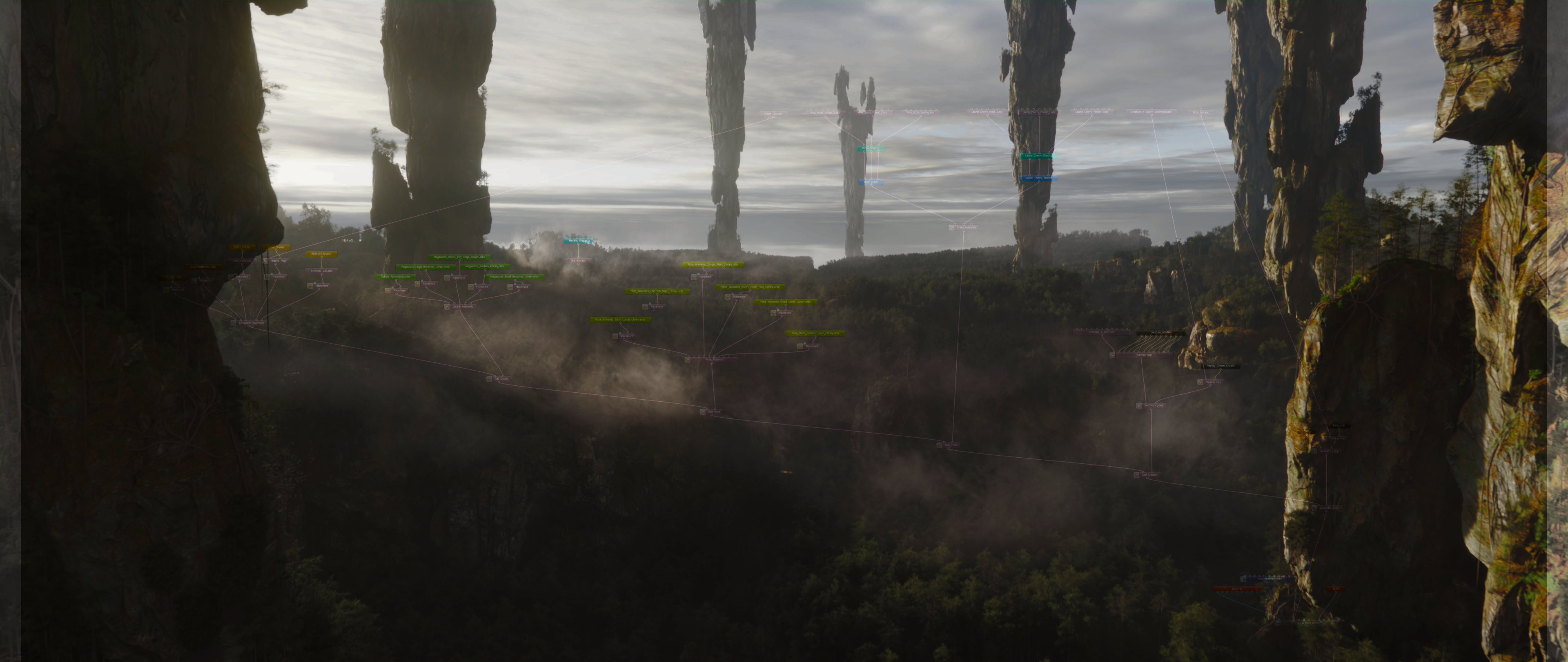

The pipeline is a philosophy.
The tools are the bridge.
Everything described in this series; the assembly approach, the libraries, the point clouds, the clean OCS submissions - is a methodology. A way of thinking about how scenes are built. And methodologies, on their own, don't ship frames.
The tools do.
The LMI toolset exists for one reason: to make the gap between "working in your DCC" and "assembled and rendering in Standalone" as small as possible. Not to replace your existing software. Not to force you into a new way of working from scratch. To bridge where you already are into where the pipeline needs you to go, without the friction that would otherwise make that bridge not worth crossing.
Your fxTDs keep Houdini. Your modellers keep their DCC of choice. Your animators keep doing what they do best in Maya. The tools handle the translation. The assembly happens in Standalone. Everyone works in the software where they're most capable, and the pipeline holds it all together.
That's what software-agnostic actually means in practice.
The Core assembly tools
LMI Pointbaker
This is the tool that makes the pointcloud workflow viable at production scale. As covered in "The Boundless Flow," Octane's dcc plugins scatter handling is inefficient for large datasets, the Baker bypasses it entirely by converting your DCC point data directly into the matrix format Standalone expects.
The Baker reads standard attributes (P, Orient, Pscale/scale, variant) from any incoming point cloud, regardless of how it was generated. Scatter systems, cloners, instancers, simulation outputs - t doesn't matter. If it has points with transforms, the Baker can process it.
For scenes with multiple asset types scattered together, it splits by @variant automatically, producing one clean pin on the node per asset. And because the export is offset to C++, even scatters with tens of millions of points export at a speed that makes the whole workflow feel like it should have always worked this way.
LMI Octane Library
A tool that automates processing of thousands of props, such as Megascans, into optimised and properly structured OCS libraries. Specify the collection you need packed into library - click, done.
Our legacy tools, such as LMI OctaneShotManager were baking assets into ORBX, which may not be desirable, depending on your environment. Now, we're OCS centric, and ORBX archiving is optional (as automated post-step).
LMI Camera
As trivial as it seems, previously quite a few clicks were required to get a camera from your DCC in Standalone. This tool been through a major revision, where I opted for custom .lua export. When using our Camera Rig, you can export a perfect clone of your camera in one click. No additional extractions from render target in Standalone. And most importantly, it maintains live-link. Update the file - camera updates in Standalone too, same as scatters.

Seamlessly from Houdini to Octane
The broader ecosystem
The pipeline tools described above are what's required to assemble scenes.
The LMI toolkit extends beyond the pipeline into the broader production workflows.
LMI Set-Dressing Suite provides the tools for extremely efficient layout work in Houdini. Scatter tool is built to take care of all vital attributes and to reduce friction in assembly work in Standalone and in Solaris. Layout tool is largely inspired by Clarisse iFX set-dressing methods, with surface snaping and efficient assets spawning. Both designed with assembly pipeline in mind whether it's Octane Standalone or Solaris.
LMI Splats Suite handles Gaussian Splat processing with C++ performance, faster than anything available natively in a DCC, for studios working with photogrammetry and real-world capture data. It's made not to only make heavy processing 10 times faster, but to heal and fix artifacts within splats.
LMI Drone Automation Tool extends into capture: automation tools for scanning real-world environments at a quality and consistency that manual drone operation doesn't reliably produce.
LMI Sims Suite is an evolving suite of simulation systems designed for minimal setup, specific solutions for specific problems (like deriving a skeleton of a Splat), built to reach usable results in a few clicks rather than a full afternoon of network construction.
LMI Cameras covers the digital camera workflow more broadly: dailies support, GLOMAP and COLMAP solvers for SfM reconstruction and camera tracking in two clicks. Trivial organic camera animation is now a toggle, rather than a quest.
These tools aren't required to run the assembly pipeline. They're what makes LMI a production environment rather than a collection of pipeline utilities.




This research and the development of the Assembly Pipeline and its related tools were made possible through the support of Render Foundation.